Free Instagram Photos Resizer
Resize up to 10 photos at once for Instagram posts, stories, and reels without stretching or cropping. Each photo must be under 10MB. No uploads, watermarks, or sign-up. Export at original image quality.

or drag and drop photos here
Up to 10 photos at a time. Each photo must be under 10MB.
Instagram sizes
One photo, resized for every Instagram format without stretching or cropping.
Original photo
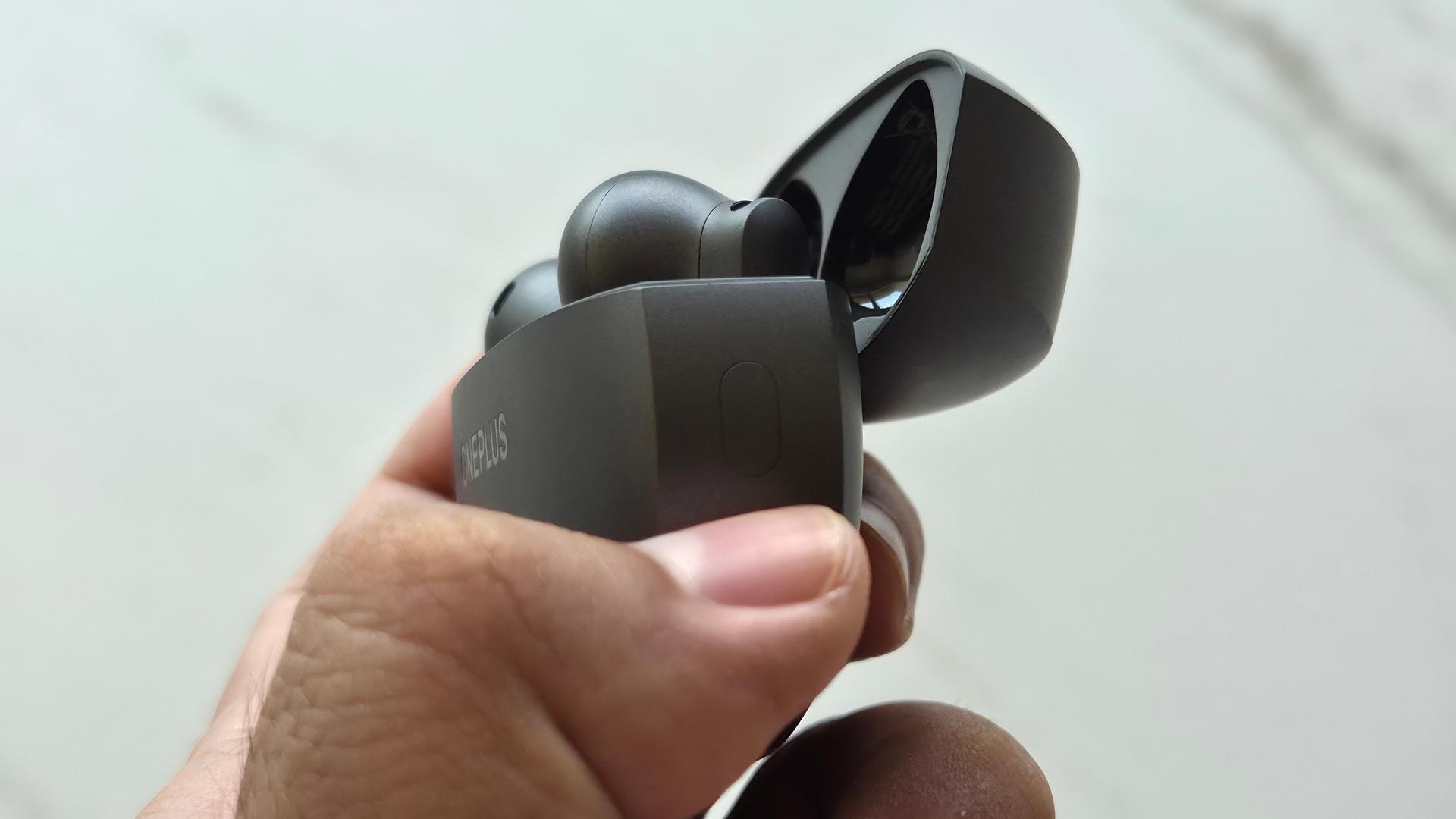
Original
16:9 · 1280 × 720
Instagram formats
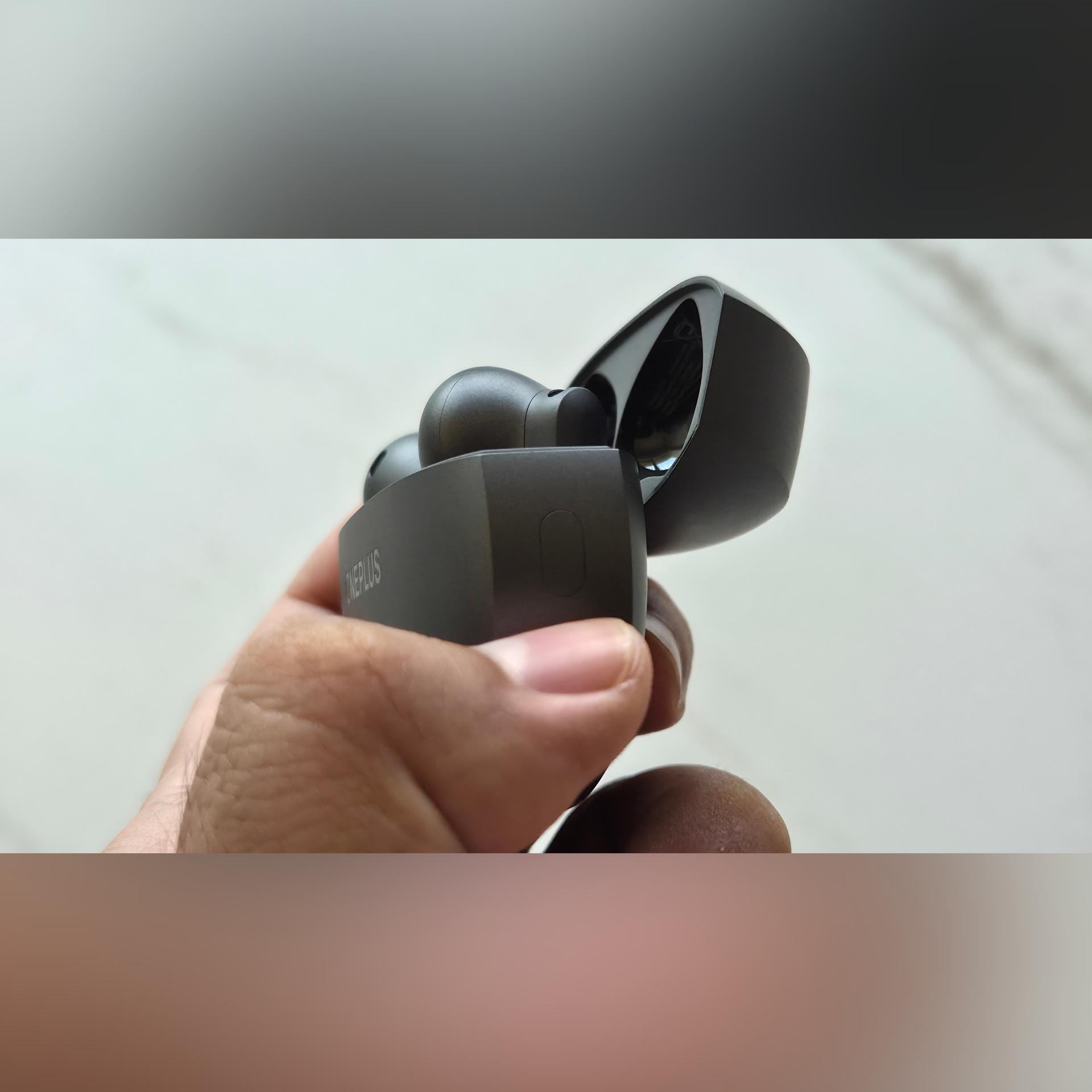
Square
1:1 · 1080 × 1080
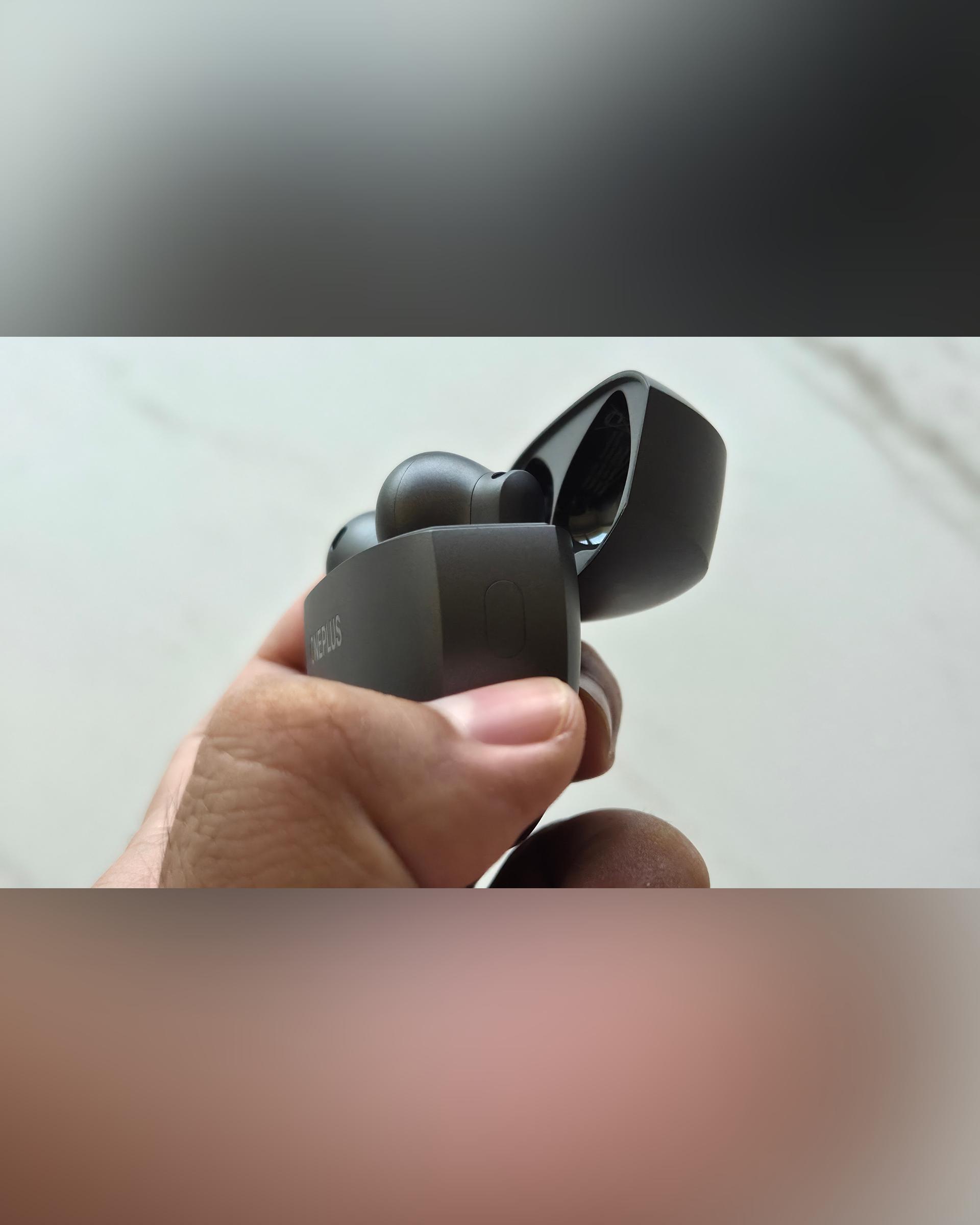
Portrait
4:5 · 1080 × 1350
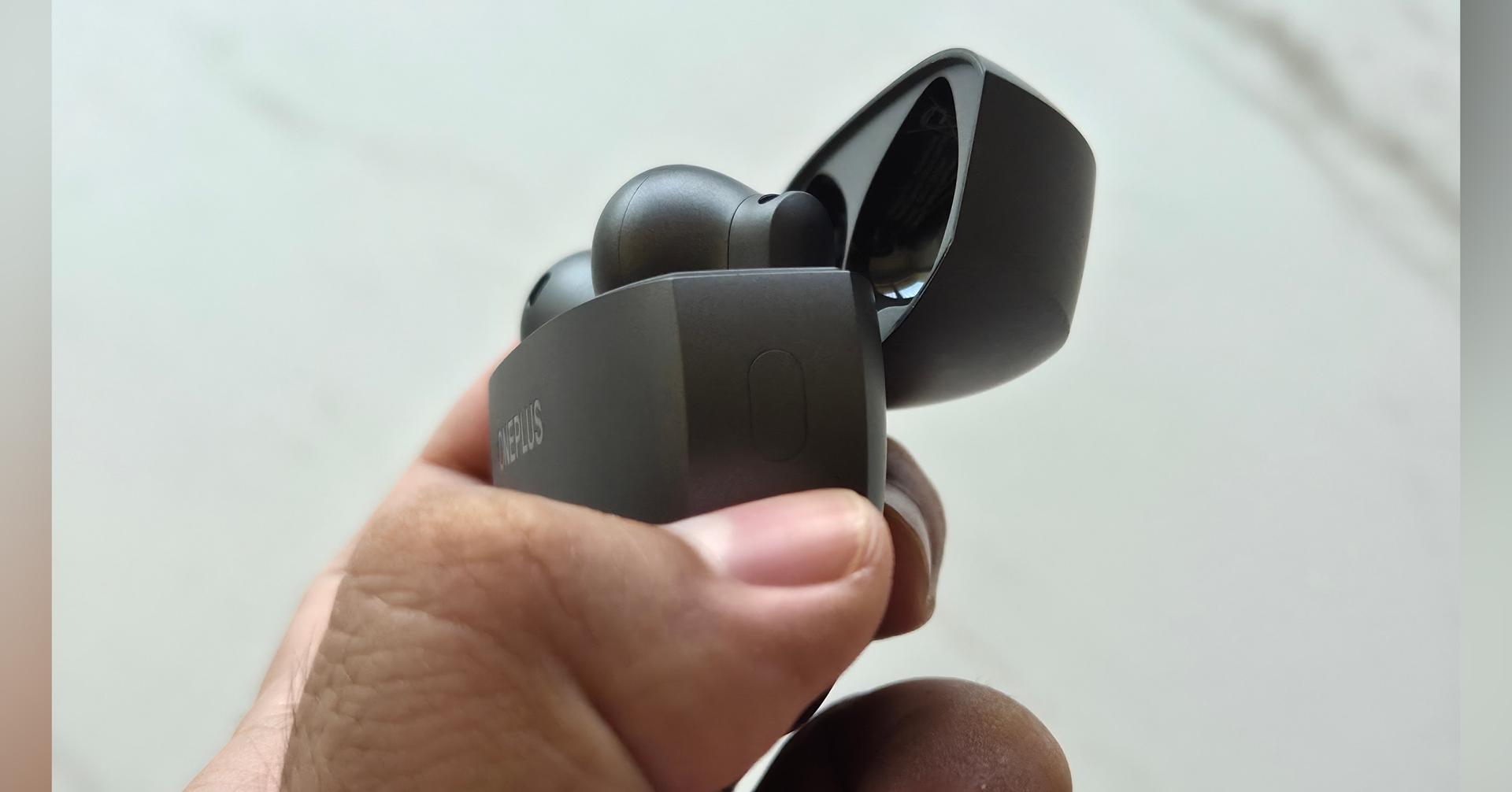
Landscape
1.91:1 · 1080 × 566
Story / Reel
9:16 · 1080 × 1920
Why this Instagram photos resizer
Most resizing tools stretch your photos or force awkward crops. This one fits Instagram posts, stories, and reels without distortion. You can resize up to 10 photos at once, everything runs in your browser, and you get unlimited use with no watermarks.
What it does
Resize up to 10 photos at once for Instagram formats while keeping the subject looking natural. Each photo must be under 10MB. Exports keep the original image quality with no stretching, squishing, or unwanted cropping.
Instagram sizes
Pick the format that matches where you plan to post. Each size uses Instagram recommended dimensions so your photo looks sharp in feed, stories, and reels.
- Square post: 1080 x 1080 (1:1).
- Portrait post: 1080 x 1350 (4:5).
- Landscape post: 1080 x 566 (1.91:1).
- Story / Reel: 1080 x 1920 (9:16).
Why use it
- No server uploads. Your photos never leave your browser.
- Resize up to 10 photos at once. Each photo must be under 10MB.
- Free, with no paywalls or watermarks.
- Original-quality exports ready for Instagram.
- Works on desktop and mobile with no app install.
How it works
- Select up to 10 photos from your device. Each photo must be under 10MB.
- Choose the Instagram size you need.
- Preview the fit without stretching or cropping.
- Download the resized photos at original image quality.
Related tools
View all
Free Image Background Remover
Remove image backgrounds with AI for free with total privacy and zero server uploads. Get full-resolution exports directly in your browser without any paywalls or watermarks.

Free Image Converter
Convert up to 10 images at a time to JPG, PNG, WebP, AVIF, GIF, BMP, and ICO for free, including HEIC photos. No uploads, watermarks, or sign-up.