Tips
How to Pair OnePlus Buds 4 with a New Device
The OnePlus Buds 4 are great, but you might run into an issue where a new device fails to recognize them for pairing. Here is a simple step-by-step guide to fix it.
October 22, 2026 · 3 min read
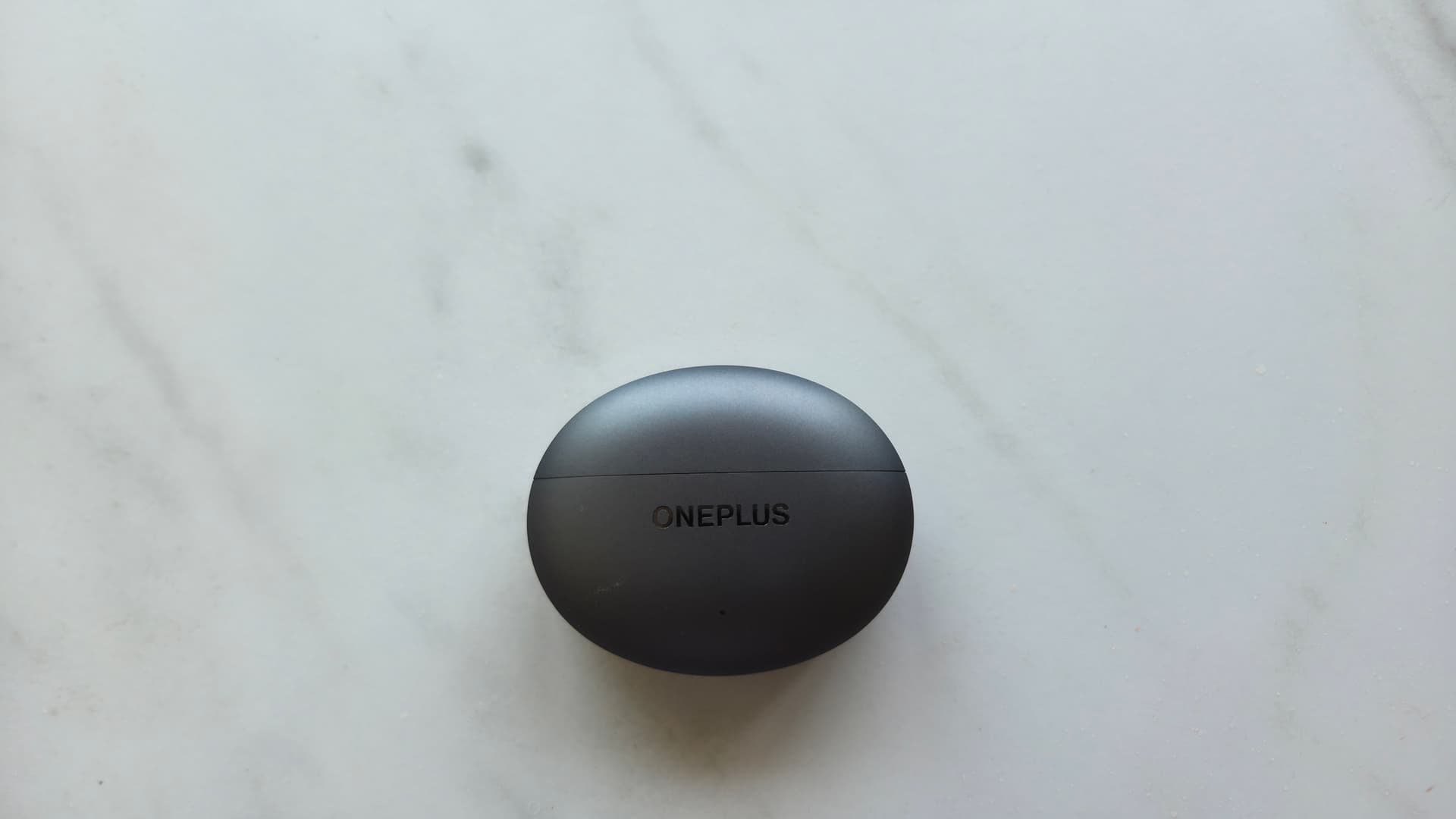
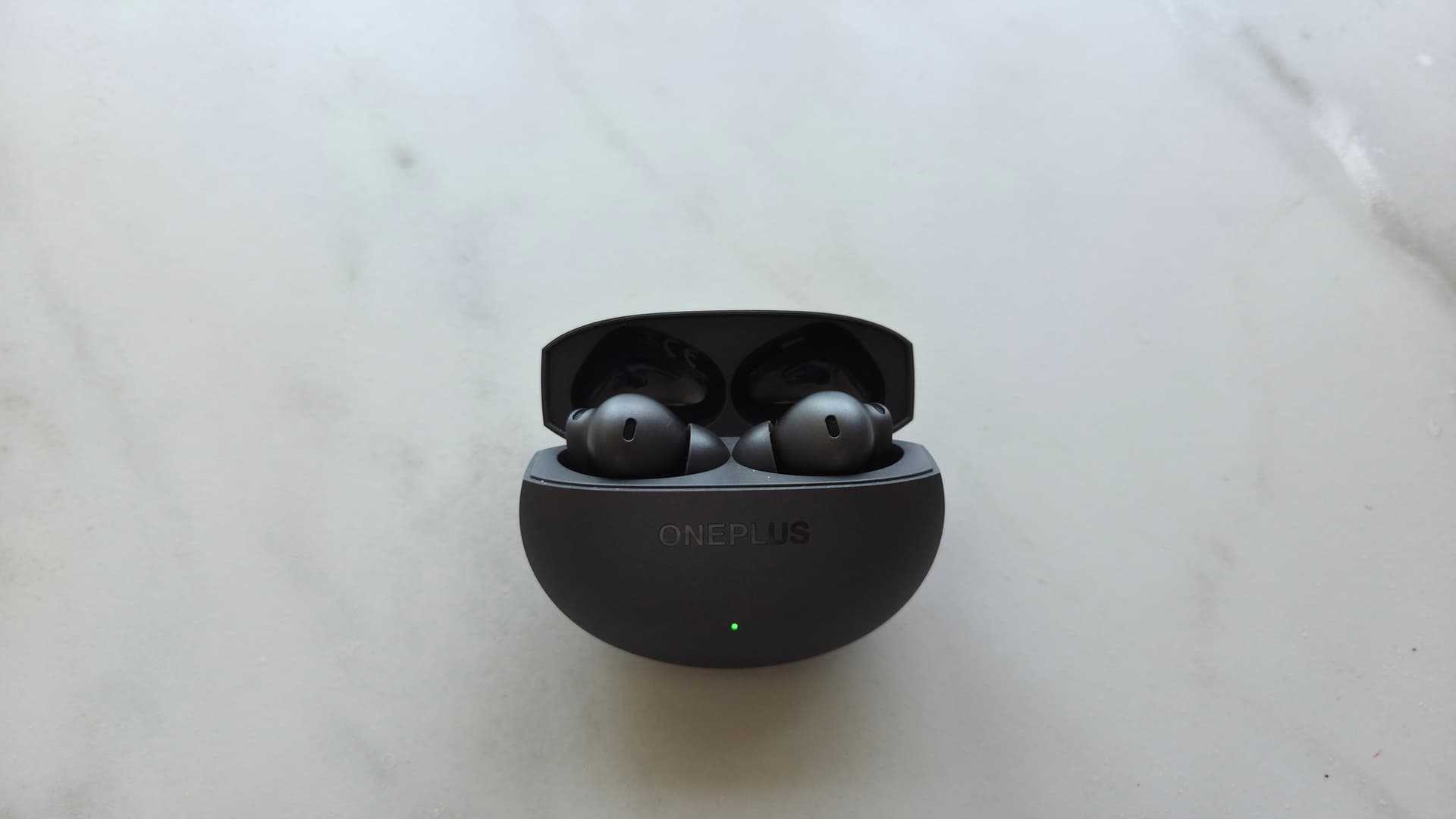
The OnePlus Buds 4 are a great pair of earbuds, but they do not automatically show up on every device. Opening the lid shows the buds on a OnePlus phone if you're trying to pair for the first time, but if you are using a MacBook, PC, iPhone, or any other device, you have to manually put the buds in pairing mode first. Only then will they show up on the devices you want to pair them with. Here is a step-by-step guide on how you can pair them with a new non-OnePlus device.
Step-by-step guide to pair OnePlus Buds 4 with a new device
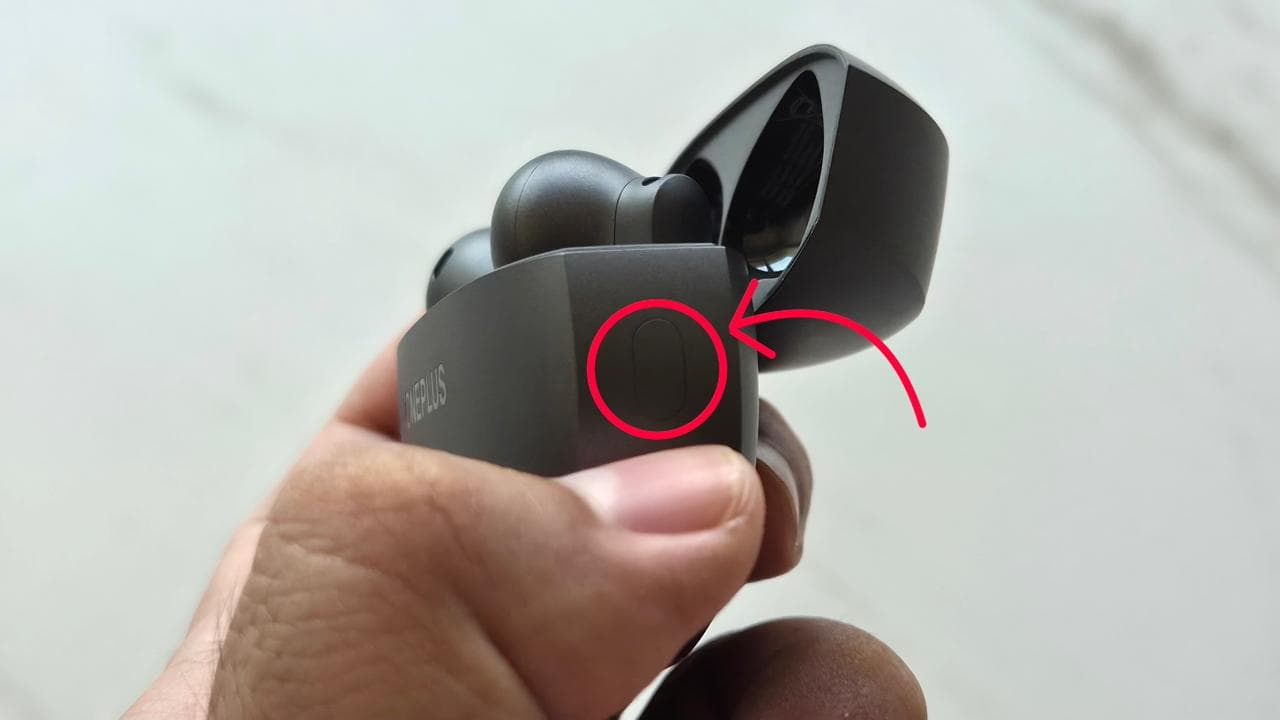
- With the buds in the case, open the lid.
- Press and hold the button on the right side of the case for about 3 to 4 seconds.
- Release the button once the indicator light starts flashing white. Your earbuds are now in pairing mode.
- Turn on Bluetooth on the device you want to connect.
- Look for OnePlus Buds 4 in the list of available devices.
- Select the earbuds to pair them with your device.