How to Fix OnePlus Buds 4: One Earbud Not Working
How to Fix OnePlus Buds 4: One Earbud Not Working
September 28, 2026 · 3 min read
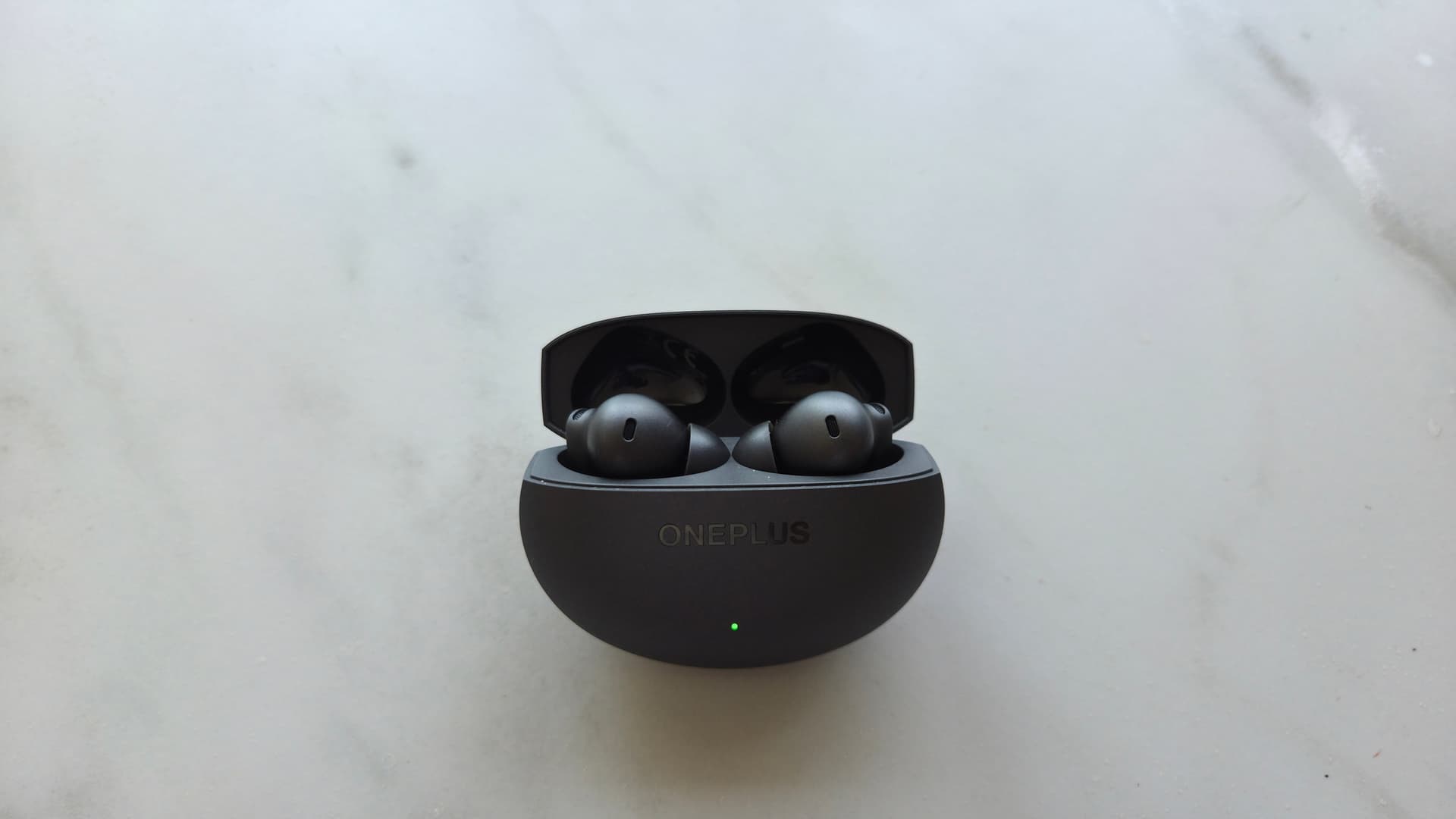
The OnePlus Buds 4 are a great pair of earbuds, but I faced a problem where my left earbud was not working. I got really worried as these buds weren't even 6 months old. Here is how I fixed it.
When did I buy the buds?
I ordered the buds on 14th March 2026 from Amazon and got them delivered the next day. I have been using them ever since for about 2-3 hours every day and hadn't had any issues with them until recently.
When did the issue start?
One fine morning around late July 2026, as usual, I put the buds in my ears for a Slack call with my colleague. As the call started, I couldn't hear anything from my left earbud. I thought it was just a Slack issue, so I left the call and rejoined, but the issue persisted. I then restarted my MacBook, put the buds back in the case, and put them back in my ears but the issue was still there. That's when I realized the problem wasn't Slack, but the buds themselves.
How did I fix it?
To fix the issue, I followed the steps below:
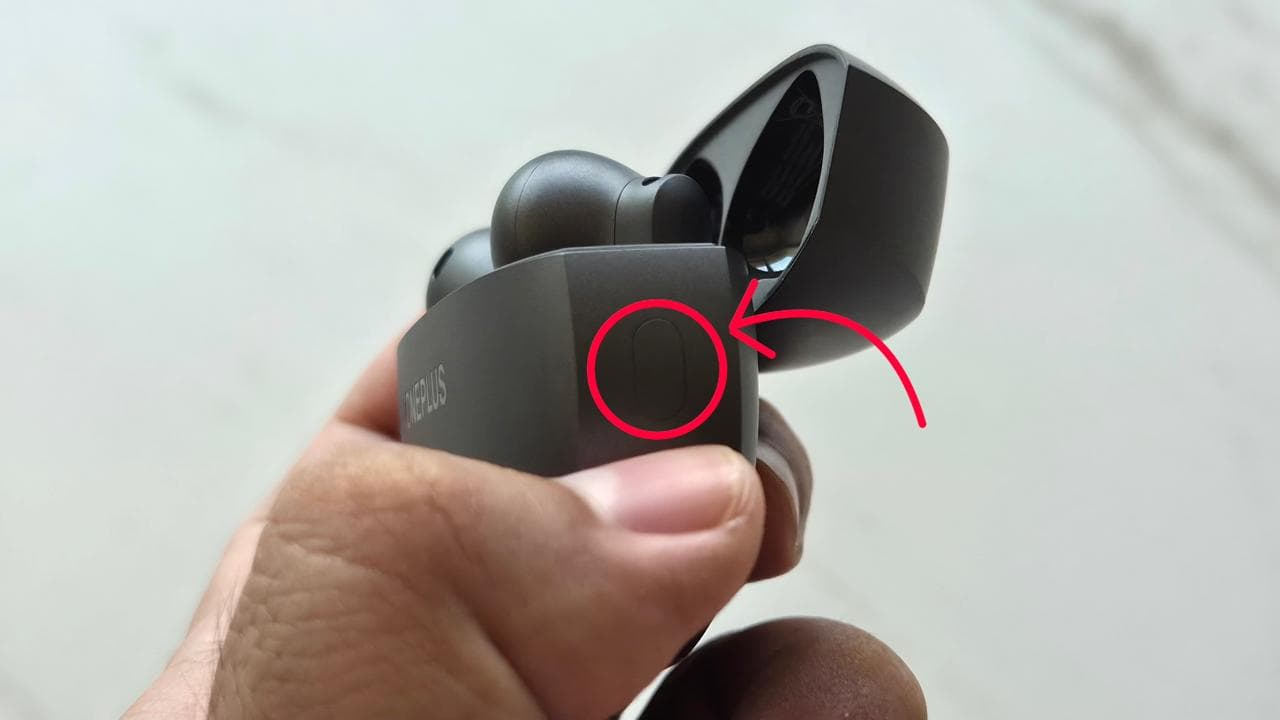
- With the buds in the case, open the lid.
- Press and hold the button on the right side of the case for about 15 seconds.
- While you hold it, the light will flash white. After 15 seconds, it will flash red three times to show the earbuds have been successfully reset.
- Put the buds in your ears and pair them with your device again.
- Play some audio to test if the issue is resolved.
- If the problem persists, try repeating the reset steps one more time.